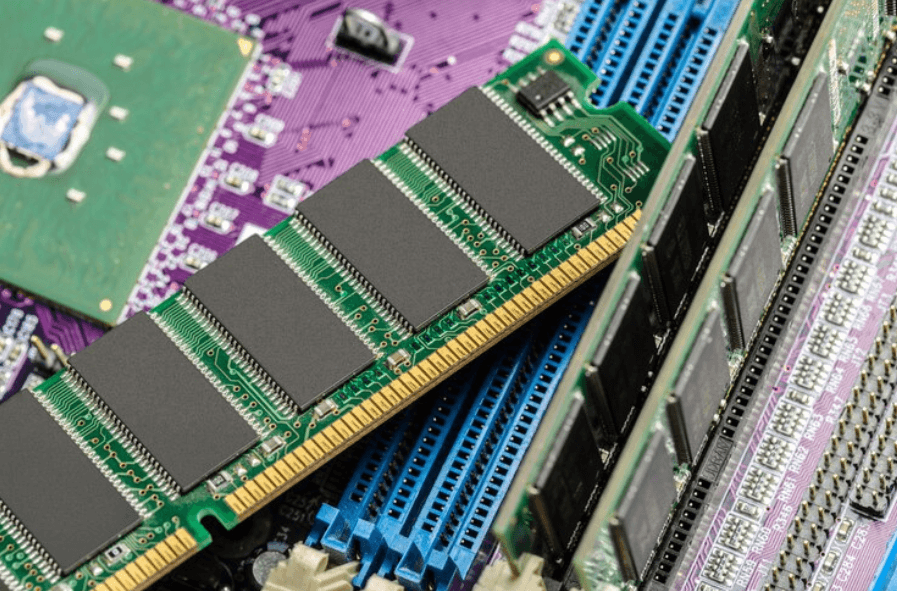

A reliable computer can make everyday work much easier, but performance depends on more than the processor or storage drive. Memory also affects how quickly a system handles applications, files, browser tabs, and other tasks. The right computer memory solutions can help businesses keep computers responsive and reduce slowdowns during busy workdays. From office desktops and laptops to workstations used for demanding software, choosing suitable RAM can make a practical difference. Ram Exchange provides access to memory products that can support different workplace computing needs without making the buying process difficult.
Why Computer Memory Matters at Work
Computer memory, commonly called RAM, gives your system temporary space to handle active tasks. When employees open several programs at once, RAM helps the computer keep those programs ready for use. A computer with limited memory may become slow when handling multiple applications. Switching between spreadsheets, web browsers, email platforms, video calls, and business software can put extra pressure on available RAM. Adding or upgrading memory can help a computer manage these tasks more comfortably. It may also allow employees to work with fewer interruptions, especially when their daily workload involves several programs at the same time.
See also: How Insurers in India Are Using Agentic AI to Speed Up Claims Processing
RAM and Storage Serve Different Jobs
RAM and storage are often confused, but they serve different purposes. RAM handles information that the computer is actively using, while storage holds files, applications, and other data for longer periods. For example, an employee may have a large SSD with plenty of free space but still experience slow performance because the computer does not have enough RAM. Increasing storage will not always solve that problem. The same applies in reverse. A computer may have plenty of RAM but limited storage space. Both components matter, but they solve different performance needs. Understanding this difference makes it easier to select suitable computer memory solutions for individual systems.
Signs a Computer May Need More RAM
Slow performance can have several causes, so memory should not be blamed for every computer problem. Still, certain signs can point toward limited RAM.
Common examples include:
- Programs taking longer to open or respond
- Frequent slowdowns when several applications are running
- Difficulty keeping many browser tabs open
- Delays when switching between programs
- Software closing or becoming unresponsive during heavier tasks
- Reduced performance when working with large files
- Noticeable lag during video meetings while other programs are active
Checking the system’s memory usage can provide useful information. If RAM is regularly close to full during normal work, an upgrade may be worth considering.
Choosing RAM for Different Workloads
Not every employee needs the same amount of memory. A person who mainly works with email, documents, and basic web applications may have different requirements from someone working with design software, large datasets, development tools, or video editing programs. Basic office work generally has lower memory demands. However, modern workplaces often involve several applications running together, so having some extra capacity can help maintain comfortable performance.
Creative and technical roles may require considerably more RAM. Large design projects, virtual machines, professional editing software, and development environments can use significant amounts of memory. The right choice should also match the computer’s motherboard and processor requirements. RAM comes in different generations, capacities, speeds, and physical formats. Not every memory module works with every computer.
Compatibility Should Come Before Buying
Buying RAM based only on capacity can lead to problems. A memory module must be compatible with the computer before it can be installed and used properly. Important details include the RAM generation, such as DDR4 or DDR5, supported capacity, memory speed, module type, and the number of available slots. Desktop computers and laptops may also use different physical memory formats.
It is useful to check the manufacturer’s specifications or the computer’s existing configuration before ordering an upgrade. Ram Exchange can also be considered when comparing available memory products for different computing requirements. Taking a few minutes to confirm compatibility can prevent an unsuitable purchase and make the upgrade process much simpler.
RAM Upgrades Can Extend the Useful Life of a Computer
Replacing an entire computer is not always necessary when performance starts to decline. In some cases, adding more memory can provide a practical improvement and allow an existing system to handle current workloads more effectively. This can be especially useful for businesses managing multiple computers. Older systems may still have suitable processors and storage but lack enough RAM for newer applications and heavier multitasking. A memory upgrade may help organizations get more use from existing equipment. It can also reduce the disruption associated with replacing machines across an office. However, RAM is not a cure for every performance issue. An older processor, failing storage drive, outdated software, or thermal problems can also affect speed. A full system check can help identify the actual cause.
Managing Memory Across a Business
Businesses with many computers have additional considerations. Different employees may use different applications, which means memory requirements can vary across departments. For example, administrative teams may mainly need systems for documents, email, spreadsheets, and browser-based tools. Design, engineering, development, and data teams may require computers with much higher memory capacity.
Creating a basic hardware inventory can make upgrades easier to manage. Record the computer model, current RAM, available slots, supported memory type, and typical workload. This information can help IT teams decide which machines need upgrades first. Keeping compatible RAM options available can also make future maintenance easier. Ram Exchange offers RAM products that can be reviewed as part of a company’s memory purchasing and upgrade plans.
How to Make a Smarter Memory Upgrade
Start by identifying the actual problem. Check how much memory the computer currently has and monitor usage during normal work. A system that regularly runs close to its memory limit may benefit from an upgrade. Next, check the computer’s maximum supported RAM and available slots. Some systems allow additional modules, while others may require existing memory to be replaced with higher-capacity modules.
It is also useful to think about future needs. Buying enough memory for current workloads is sensible, but leaving some room for software updates and changing work requirements can reduce the need for another upgrade soon. Price should also be considered, but the cheapest module is not always the right choice. Compatibility, specifications, reliability, and capacity all deserve attention.
Finding the Right Memory Products
The market includes many RAM options, which can make product selection confusing. Start with the computer’s specifications rather than choosing a product based only on its advertised capacity or speed. Explore Our RAM Products to compare memory options and identify products that fit different systems and workloads. Checking specifications carefully can help businesses and individual users make more confident purchasing decisions. For organizations upgrading multiple computers, it may also help to standardize memory types where possible. Using compatible products across similar systems can make future replacements and maintenance more straightforward.
Better Memory Supports Better Everyday Work
Computer memory affects the way a system handles everyday tasks, from opening documents to running several demanding applications together. The right amount of RAM can help reduce slowdowns and make existing computers more suitable for current workloads. Good computer memory solutions start with understanding the system, checking compatibility, and matching RAM capacity to actual use. A thoughtful upgrade can sometimes provide a simpler and more affordable option than replacing an otherwise capable computer. Ram Exchange offers RAM products for different computing requirements, giving users a place to review memory options before making an upgrade decision.
Contact Us
Need help choosing suitable RAM for your computer or workplace systems? Contact Ram Exchange today to discuss your memory requirements and find products that match your system’s specifications and workload.